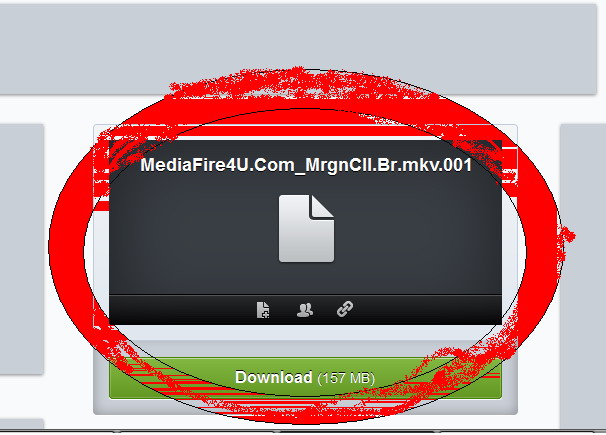
An error during downloading process can be happen for any reasons, i used to so panic to face this problem; my download was 99% then the server suddenly dropped and i couldn't continue my download. Fortunately i found some articles said that we can "RESUME" our error download, here's some steps to resume an error downloading process:
1. You HAVE TO have several browser to open the file you want to download; if the first error happen in FIREFOX then you have to open the same file in other browser such as; INTERNET EXPLORE, GOOGLE CHROME, OPERA, etc.


2. Follow the steps just like what you did in the previous browser, then you'll see "DOWNLOAD (The FILE'S NAME) (The FILE'S SIZE)". RIGHT CLICK in it, then click "COPY DOWNLOAD LOCATION/COPY DOWNLOAD ADDRESS"

3. Open your IDM, right click in your error download then click properties; PASTE (COPY DOWNLOAD LOCATION/COPY DOWNLOAD ADDRESS) in ADDRESS then OK


4. Click properties AGAIN, then click resume download... YES, you can continue your error download... :)

PS:
1. If there's any message from IDM before continuing your download just click NO...!
2. This trick ONLY can be applied in server that support RESUME CAPABILITY DOWNLOAD such as; MEDIAFIRE, INDOWEBSTSER, ENTERUPLAOD, etc.
3. If you have a premium member of RAPIDSHARE, 4SHARED, FILESONIC, FILESERVE, etc. You can use this trick.
HAPPY TRYING... :)